How to use CapacityOS
Nine steps, real screenshots, under a minute to actually operate the sandbox. Every image below is a live capture of the deployed product.
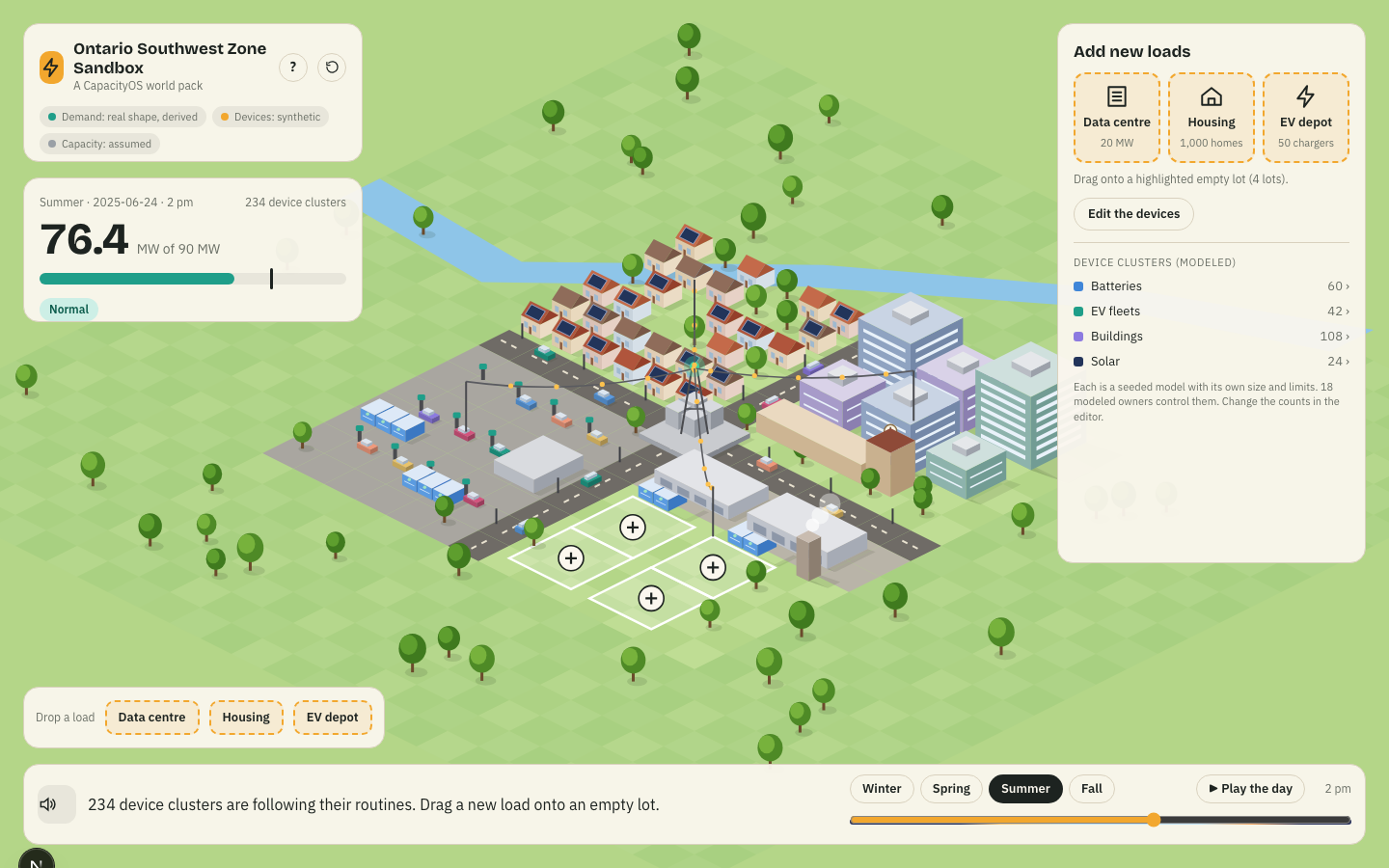
Choose a condition
Pick the season and hour — or Play the day. Every world starts from a real historical Waterloo-zone demand day, not a forecast.
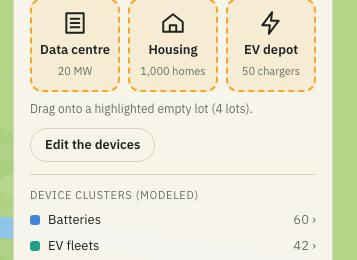
Add new demand
Drag a data centre, housing development, or EV depot from the tray into an empty lot. Up to four loads at once.
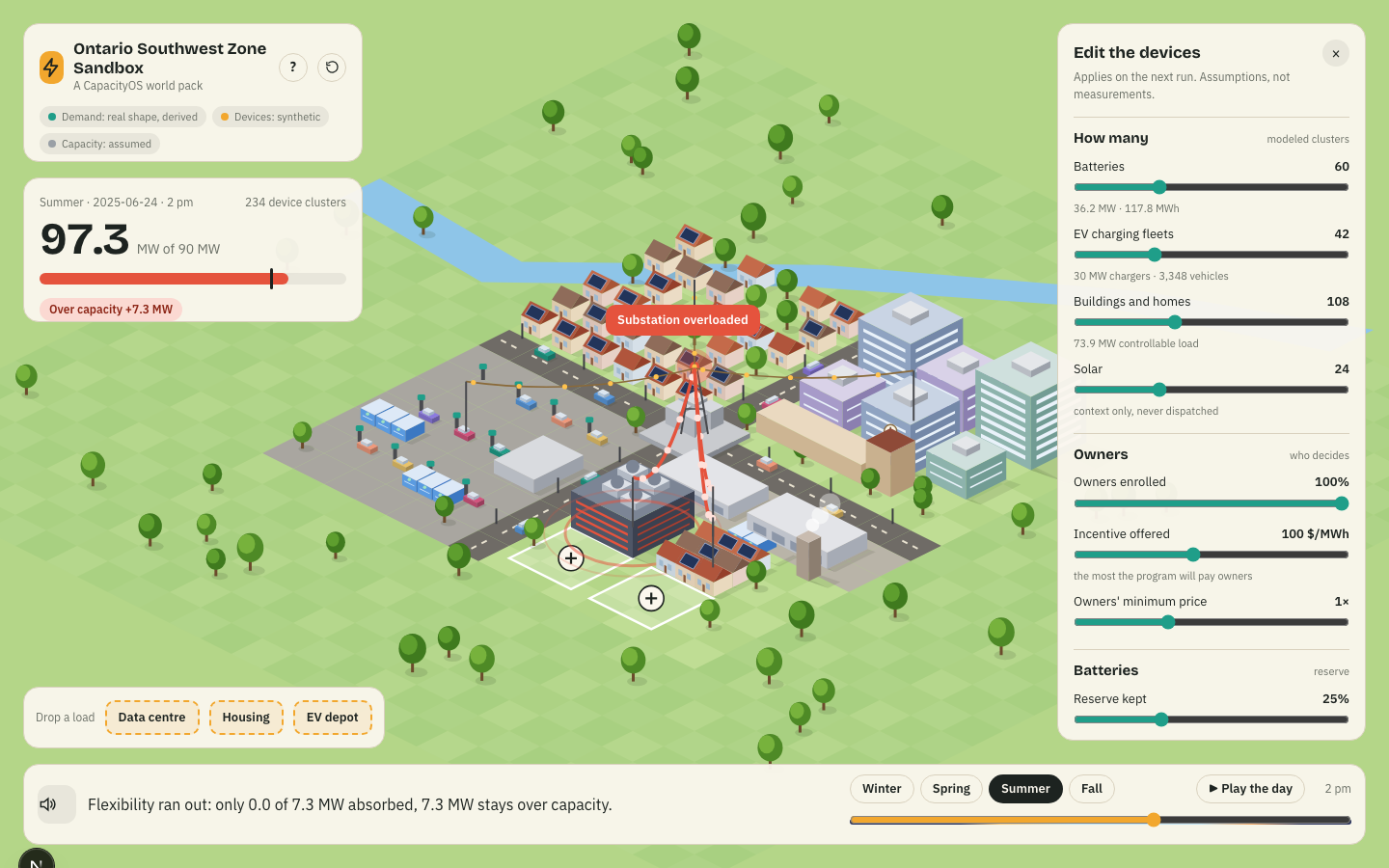
Configure the VPP
These are the rules of the program you're testing: owner enrolment, incentive, battery reserve, EV flexibility, building comfort.
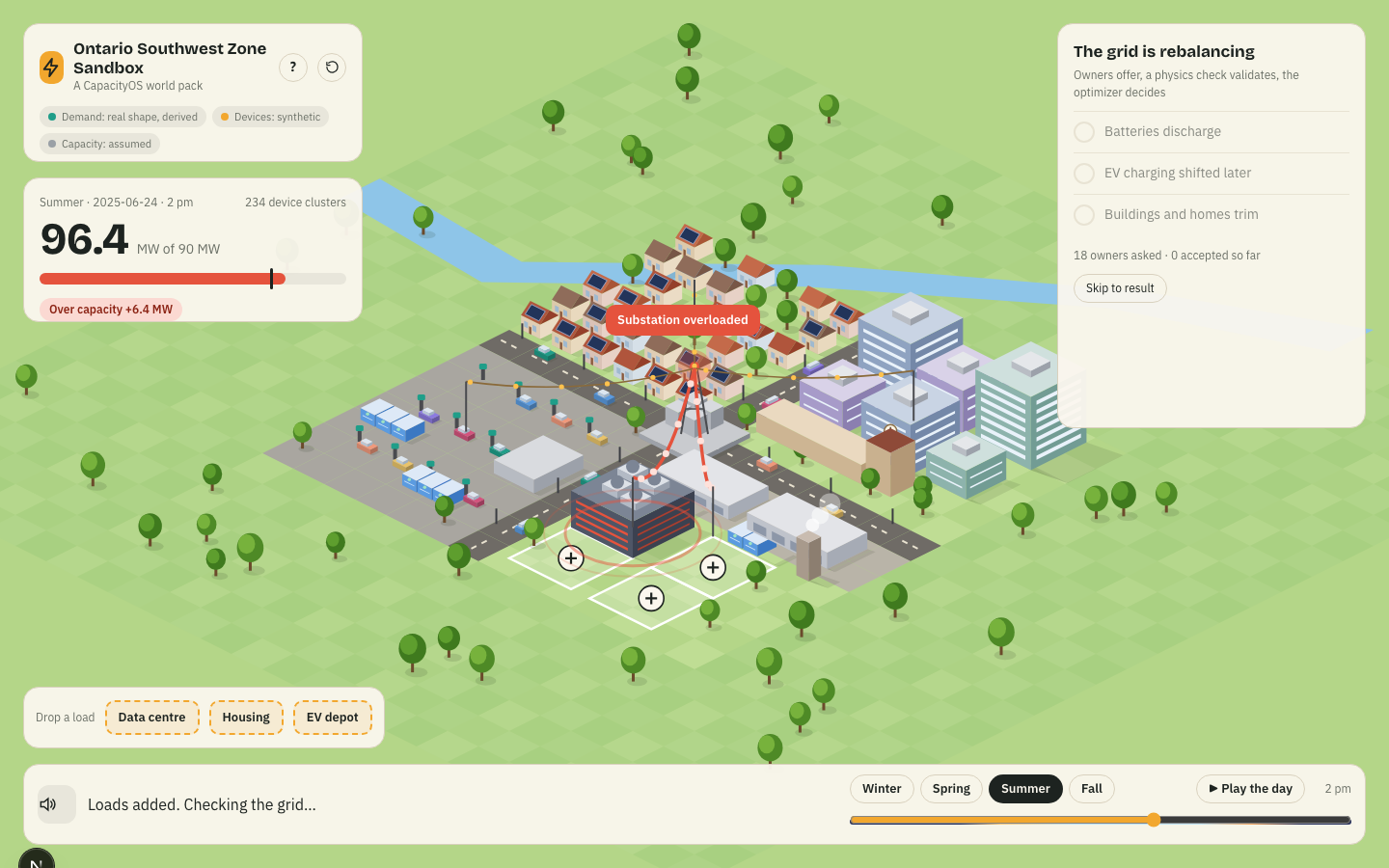
Run the event
CapacityOS builds a flexibility request and asks the modeled owners for help — the world starts responding immediately.
Watch the owners respond
18 owner agents each decide independently: offer, decline, or revise. Every decision — with the owner's own explanation — is in the Log.
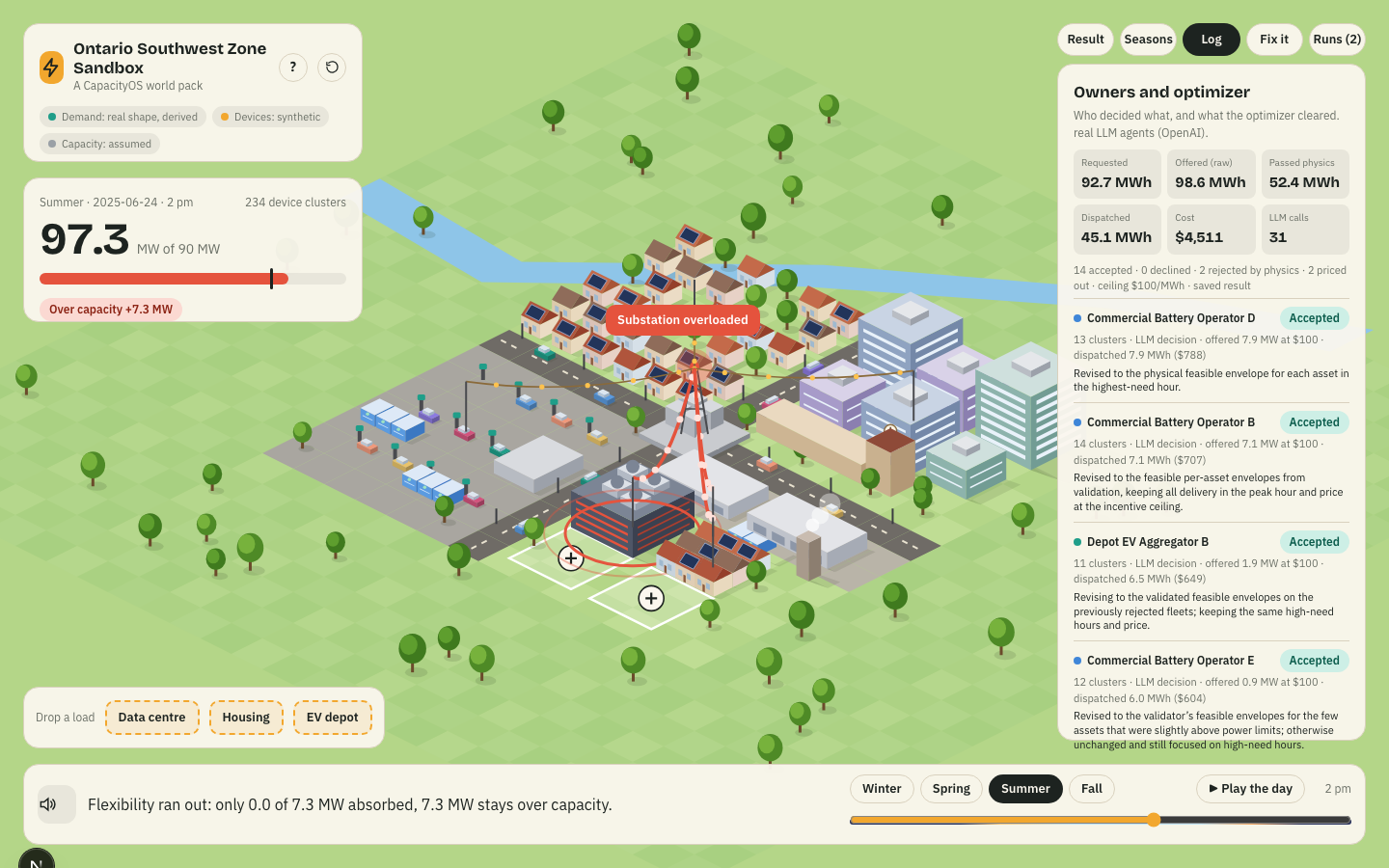
Physics checks, then optimization
Every offer is checked against real device limits before it counts. Only what survives reaches OR-Tools, which picks the actual dispatch.
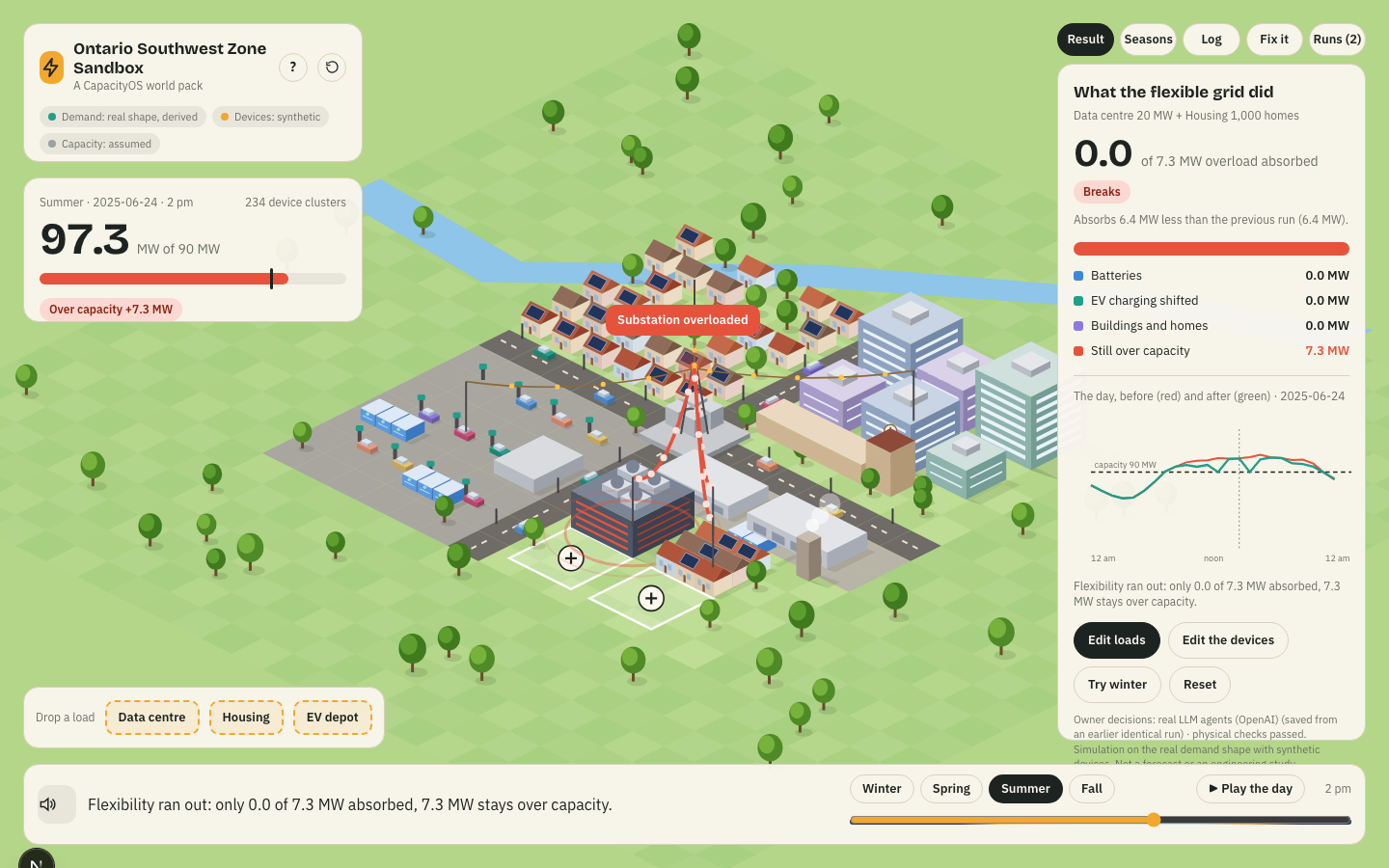
Read the result
Holds, partly holds, or breaks — with the exact overload, MW absorbed, residual, and which resource type did the work.
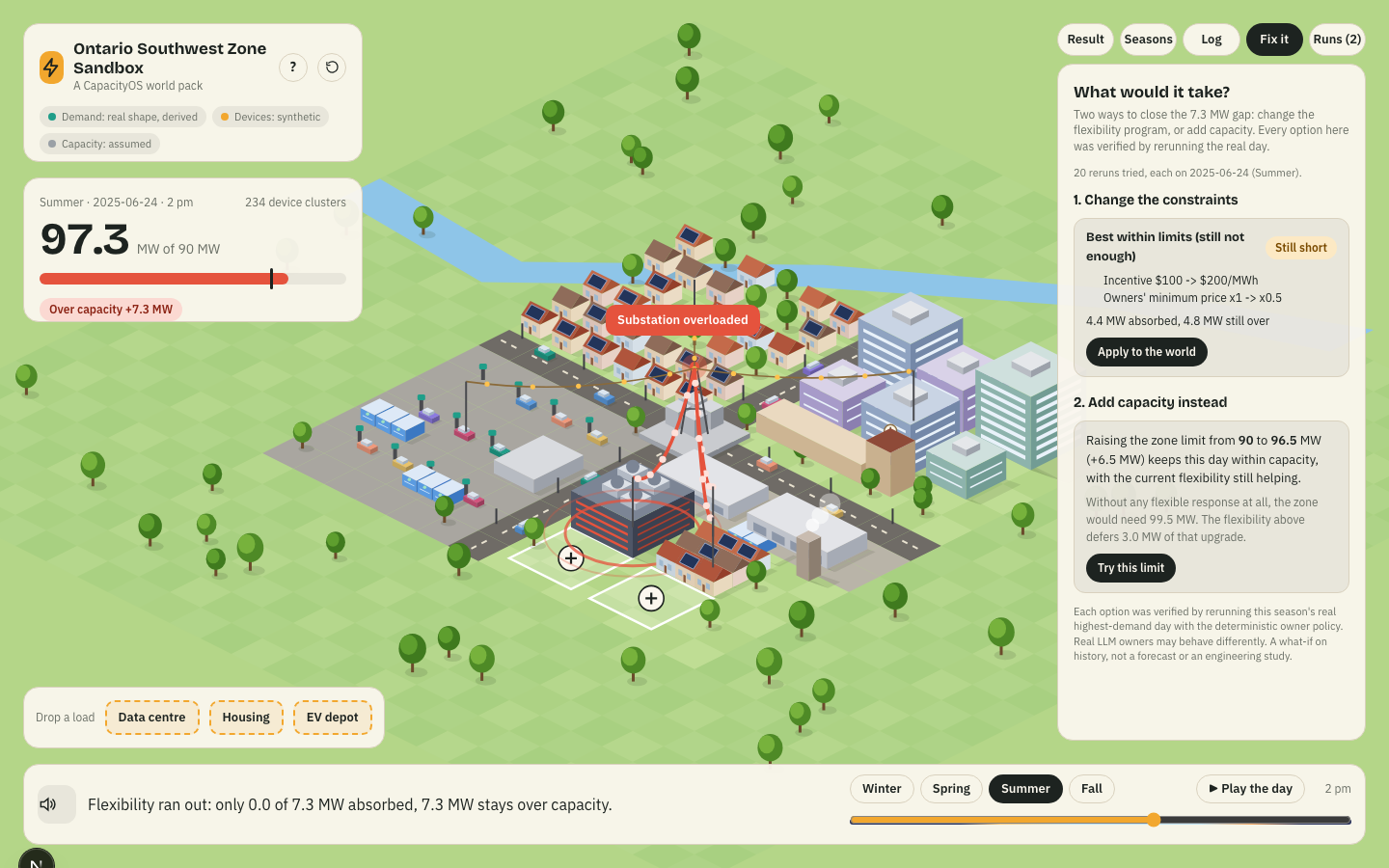
Use Fix It
If it breaks: two pathways, tightening the program or adding zone capacity, each proven by rerunning the real day.
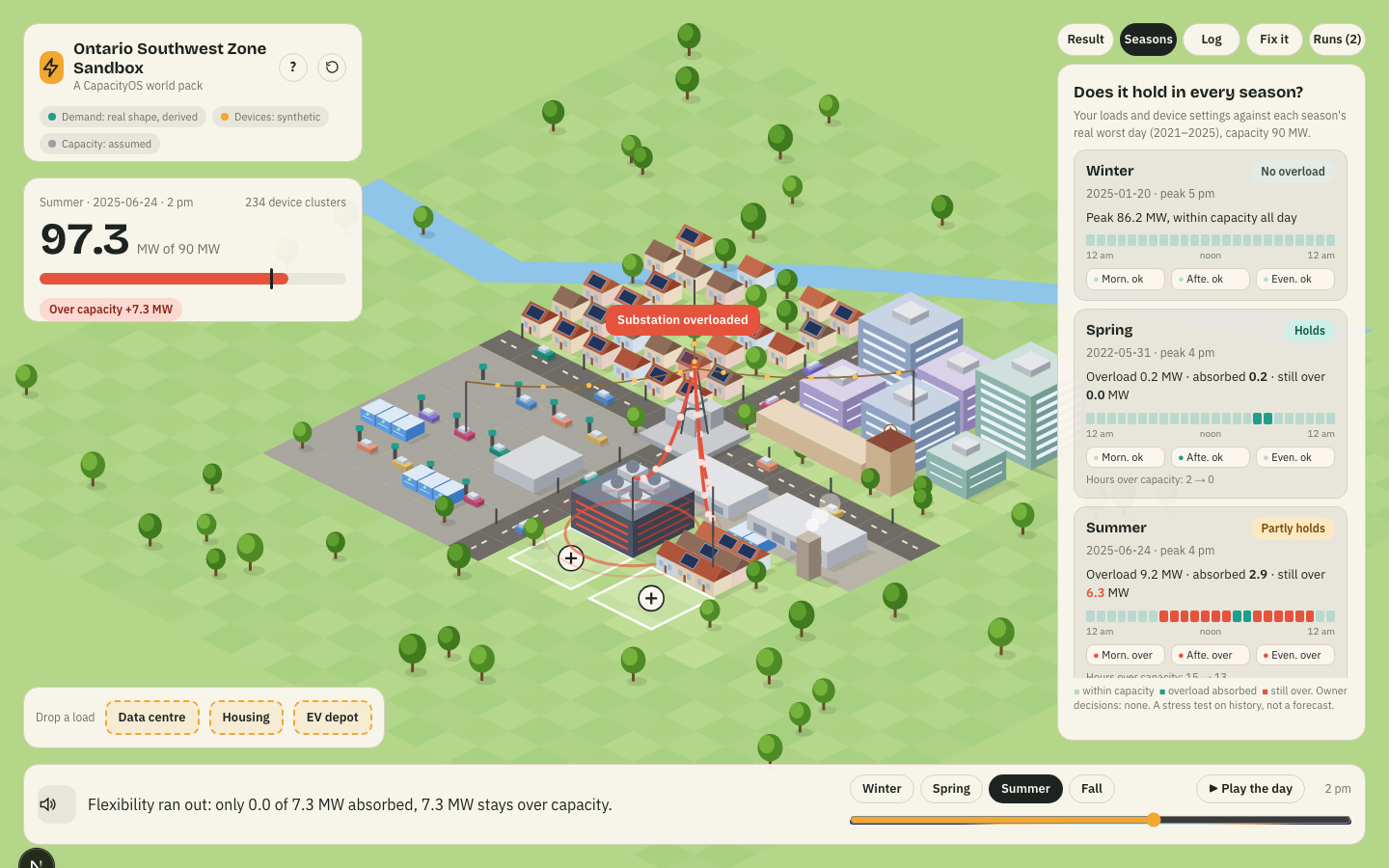
Compare seasons
The same VPP design, tested against all four seasons' real worst day. A design that holds in summer can still fail in winter.
Reset and experiment again
The circular arrow next to the "?" in the top-left card clears everything — loads, VPP rules, history — back to a clean world. Nothing is ever permanent.